
Business Software
AnyTrack
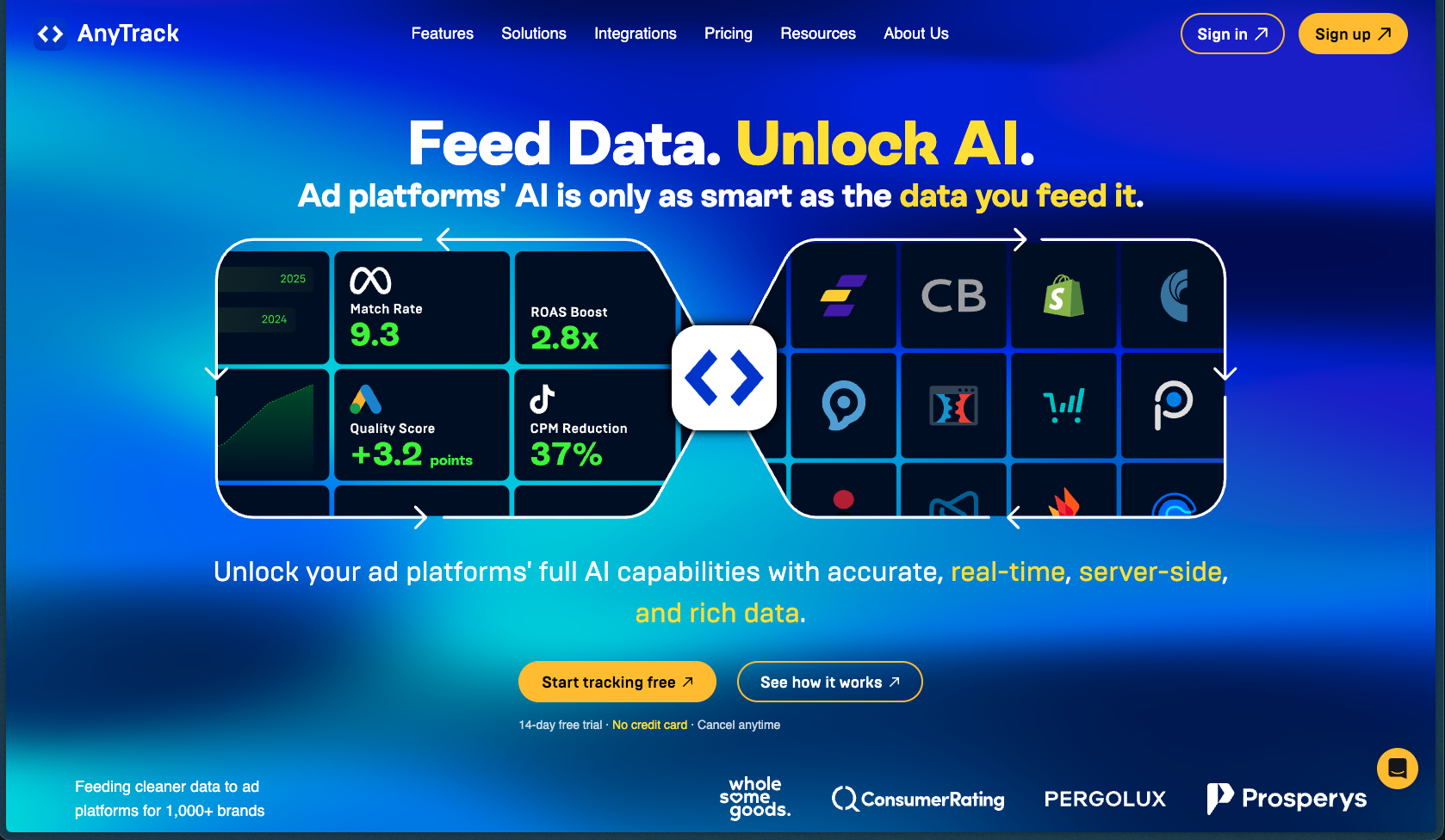
AnyTrack stands out for how it handles a genuinely tricky problem — closing the attribution gap between your ad spend and your actual affiliate or eCommerce conversions. Its AutoTag feature automatically tracks affiliate links without redirect URLs, and its server-side Conversion API support means tracking stays accurate even post-iOS 14 and with ad blockers active. It works well for marketers who want cleaner data flowing into their ad platforms without a full engineering setup.
AnyTrack operates on a subscription-based, session-volume pricing model with plans tiered by the number of websites and monthly sessions tracked. A free plan is available for single-site, low-volume use, and paid plans scale up based on traffic volume.
AnyTrack offers a 14-day free trial on paid plans. A free plan is also available permanently for single-site use with up to 5,000 sessions per month. Refund policy details are not explicitly specified on the official site.
AnyTrack has been publicly active since at least 2019–2020 and has gone through multiple product iterations, including adding server-side Conversion API support and expanding to 300+ integrations. The platform shows signs of active, ongoing development with a public roadmap and regular release notes, placing it in the growing/stable category. Documentation is comprehensive, with a dedicated knowledge base, integration guides, and FAQ resources.
- Rated 4.3/5 on G2 based on 2 verified reviews
- Rated 3.8/5 on GetApp based on 4 reviews
- Rated 4.2/5 on Product Hunt based on 6 reviews
- One independent reviewer described it as "the best tool I know of" for affiliate conversion tracking across multiple platforms
- Customer testimonials on the official site include a 5/5 rating from a DTC brand citing accuracy and ease of setup
- Active public roadmap with community feature voting, indicating ongoing development and user engagement
- Installs via a single tracking tag that automatically detects and tracks affiliate links, form submissions, and eCommerce events without manual coding
- Uses both client-side (browser) and server-side tracking simultaneously to ensure conversion data isn't lost to ad blockers or cookie restrictions
- Automatically appends Click IDs and SubIDs to outbound links so conversions can be attributed back to the correct ad campaign
- De-duplicates client-side and server-side events before sending them to ad platforms, reducing inflated conversion counts
- Connects natively with 77+ affiliate networks including CJ Affiliates, ClickBank, Awin, and TradeDoubler, pulling conversion data automatically via API or postback
- Integrates with major ad platforms — Google Ads, Meta, TikTok, Microsoft Ads, Taboola, and Outbrain — via Conversion API for server-side event delivery
- Works with eCommerce platforms including Shopify and WooCommerce to track purchase events natively without custom code
- Connects with CRM and funnel tools like HubSpot, GoHighLevel, ClickFunnels 2.0, Typeform, and Calendly for lead-gen conversion tracking
- Supports webhooks and Zapier for routing conversion data to data warehouses, email tools, or custom applications
- AutoTag automatically detects and tags affiliate links across your site without requiring manual link modification
- Conversion data from affiliate networks is automatically imported and attributed to the originating ad campaign, removing manual reporting work
- Real-time campaign reporting lets you see which campaigns, ad sets, and creatives are generating the highest earnings per click and conversion value
- Supports A/B test tracking by tagging page variants to compare conversion rates and revenue across test conditions
- Uses first-party data and server-side capture to maintain tracking accuracy under iOS privacy restrictions and browser-level cookie limitations
- Affiliate marketers running paid traffic (Google Ads, Meta, TikTok) who need to close the conversion attribution loop between their ad platforms and affiliate networks
- eCommerce store owners on Shopify or WooCommerce who want multi-channel attribution without a developer
- Content site and comparison site operators who promote multiple affiliate programs and want to see which traffic sources actually convert
- Performance marketers running campaigns on native ad networks like Taboola or Outbrain who need server-side conversion data
- SaaS founders and lead-gen funnel builders who want to track trial signups and form submissions back to specific ad campaigns
- Freelance media buyers and small agencies managing multi-client campaigns across multiple ad platforms
- Use it to track affiliate commissions from networks like CJ or Impact and attribute them to the correct Google or Meta ad campaign
- Use it to feed purchase and checkout event data from Shopify back to Facebook and Google Ads via Conversion API when pixel data alone is unreliable
- Use it for lead-gen funnels built on ClickFunnels or Typeform when you need form submission events passed to your ad platforms for optimization
- Use it to build custom remarketing audiences in Meta or Google based on actual conversion behavior rather than page visits alone
- Use it to track and compare performance across A/B test variants to identify which landing page version drives higher revenue
- Use it to sync offline CRM events (like closed deals from HubSpot) back to the originating ad click for full-funnel attribution
- Cloud-hosted SaaS platform — no self-hosting or server management required
- Installs via a single JavaScript tracking tag compatible with any website platform that allows custom code
- Natively compatible with Shopify, WooCommerce, ThriveCart, SamCart, ClickFunnels 2.0, and other major funnel/eCommerce platforms
- Connects to 300+ tools including ad platforms, affiliate networks, CRMs, and analytics via pre-built integrations, webhooks, and API
- Supports Google Analytics 4 and Meta Pixel as analytics destinations alongside Conversion API integrations
Unlike standalone pixel-based tracking tools, AnyTrack combines client-side and server-side attribution in a single platform with pre-built connections to 77+ affiliate networks — making it particularly strong for affiliate marketers running paid traffic. Most competing tools require separate solutions for ad tracking and affiliate attribution; AnyTrack attempts to unify both in one place without needing developer resources.
- Dedicated knowledge base at readme.anytrack.io with detailed integration guides, FAQs, and setup documentation covering all major platforms
- Official documentation site at docs.anytrack.io provides concept-level guides and onboarding resources
- Public roadmap with community voting available, allowing users to request and upvote features
- Social proof footprint is relatively limited — only 2 reviews on G2 and a handful on other platforms, making third-party validation harder to assess at scale
- Some integrations (e.g., Reddit Ads, Zapier native, Kartra, Magento) are still on the community roadmap and not yet available
- Session-based overage fees apply on paid plans if monthly traffic exceeds plan limits, which could add unpredictable costs for high-traffic sites
- Not specified whether there is a built-in ad spend reporting dashboard — the focus is on conversion attribution, not media buying management